
The Batteries-Included Flavors
Even though I am not a big fan of the batteries-included flavors anymore, I still believe they are great starter kits for package discovery and understanding how far Emacs can be customized. I personally thought that Emacs was just a simple text editor like gedit until I tried the Emacs distribution Spacemacs which comes opinionated, pre-configured, and ready to use out of the box.
However, this convenience comes at a cost as it reduces your visibility into the underlying components and how Emacs works. When something breaks or you need to alter a certain behavior, you find yourself unable to diagnose the problem or even know if it's a built-in behavior, a custom package, or some custom code you introduced. In fact, as an ex-user of these distributions, I wasn't aware of what Emacs packages I was using which is very funny to me now that I am thinking about it.
The two most popular Emacs distributions are:
Spacemacs
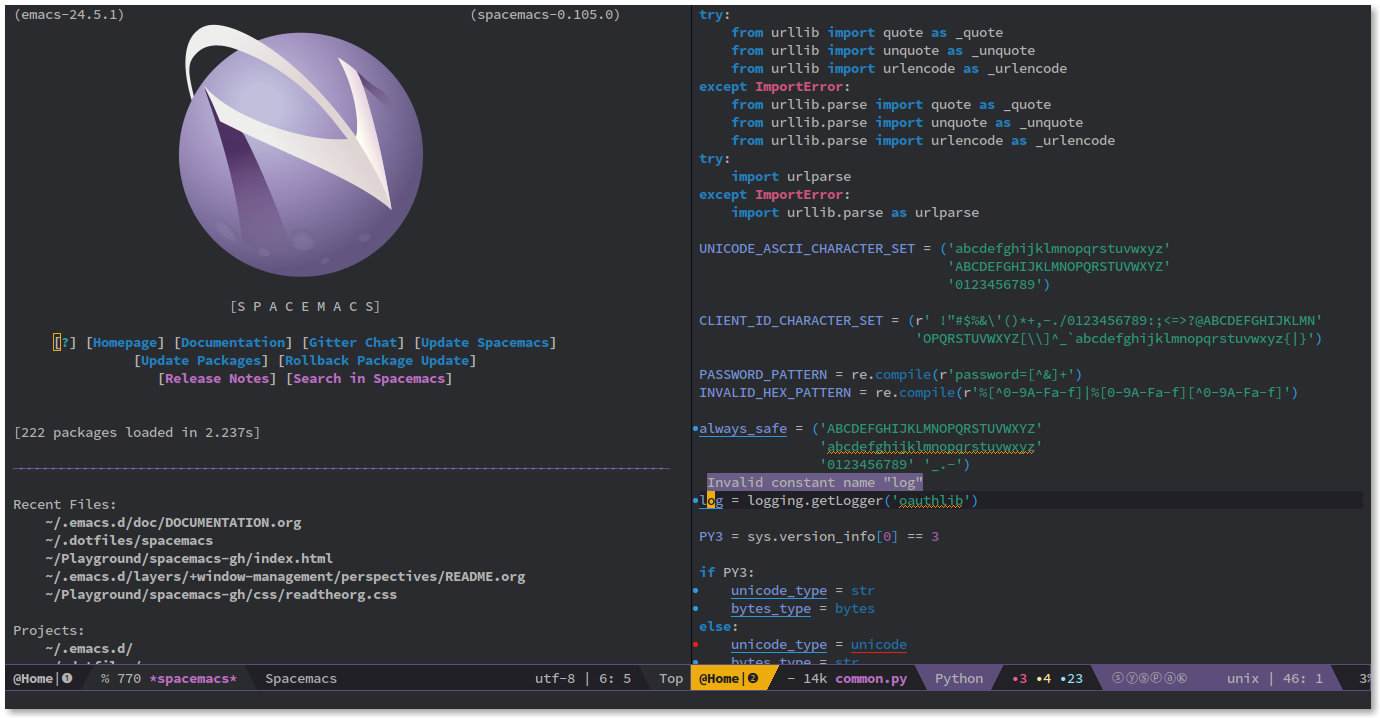
Spacemacs provides excellent Vim emulation out-of-the-box which makes it a very good option for someone who is used to Vim's keybindings. It's extremely well documented and has a large friendly community supporting it which makes it easy to find help.
However, Spacemacs's only problem from my point of view (a lot of people consider it an advantage) is its layers system. Spacemacs's layers add a massive amount of abstraction on top of Emacs; it makes it very easy to toggle features on and off by simply changing one line of code. My problem with the layers concept is that you will invest so much time learning it and then realize that all the knowledge you gained wasn't useful at all when you eventually decide to move to Vanilla Emacs.
Doom Emacs
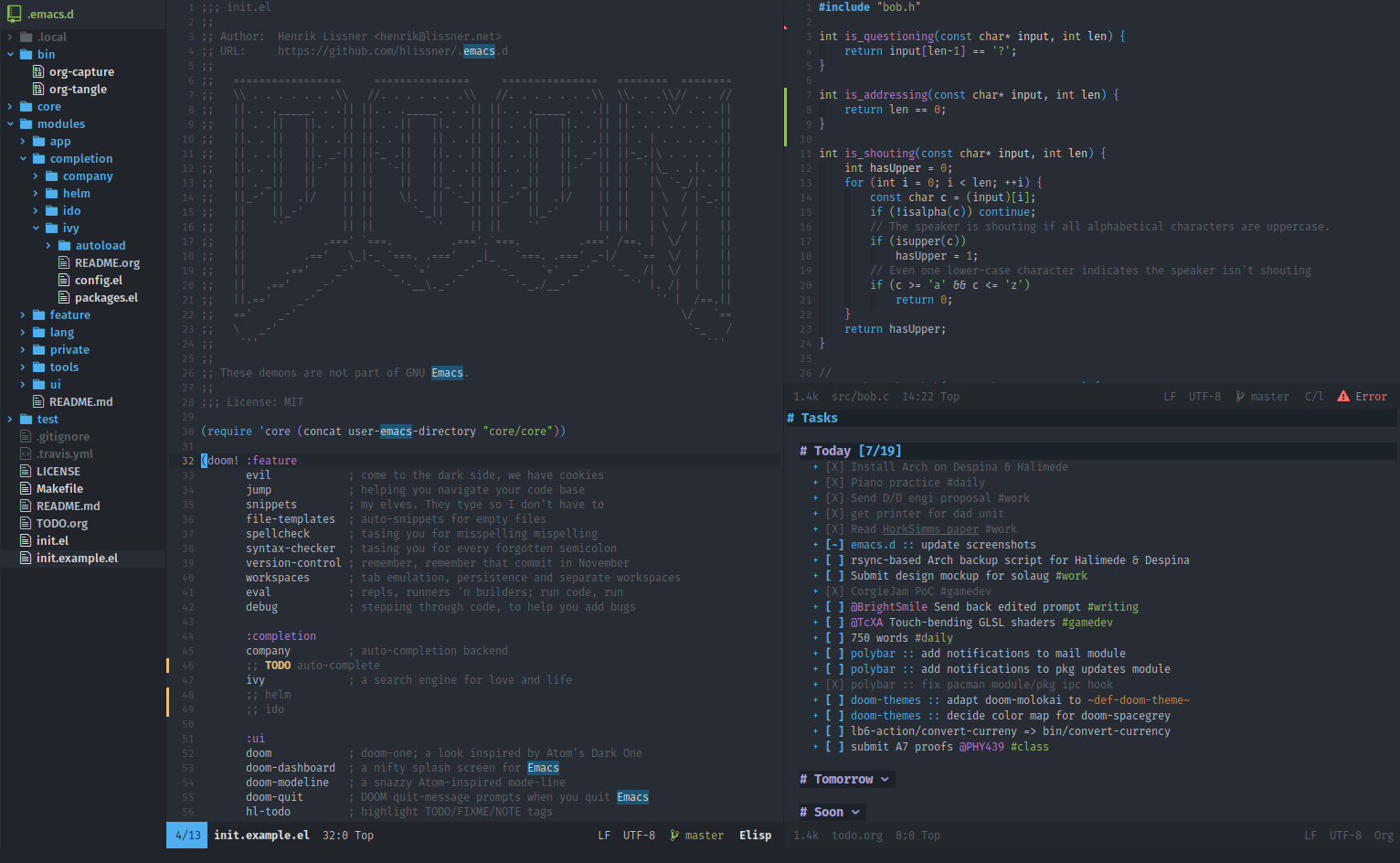
Doom Emacs takes a different philosophical approach. It still offers a beautiful interface, excellent Vim emulation, and a great experience out-of-the-box. However, the major difference between it and Spacemacs is that it doesn't add as much abstraction on top of Emacs. Learning how to configure and tweak Doom Emacs is going to be much closer to configuring Vanilla Emacs. Also Doom Emacs utilizes macros and lazy loading efficiently which make it boot incredibly fast compared to other distributions.
Vanilla Emacs
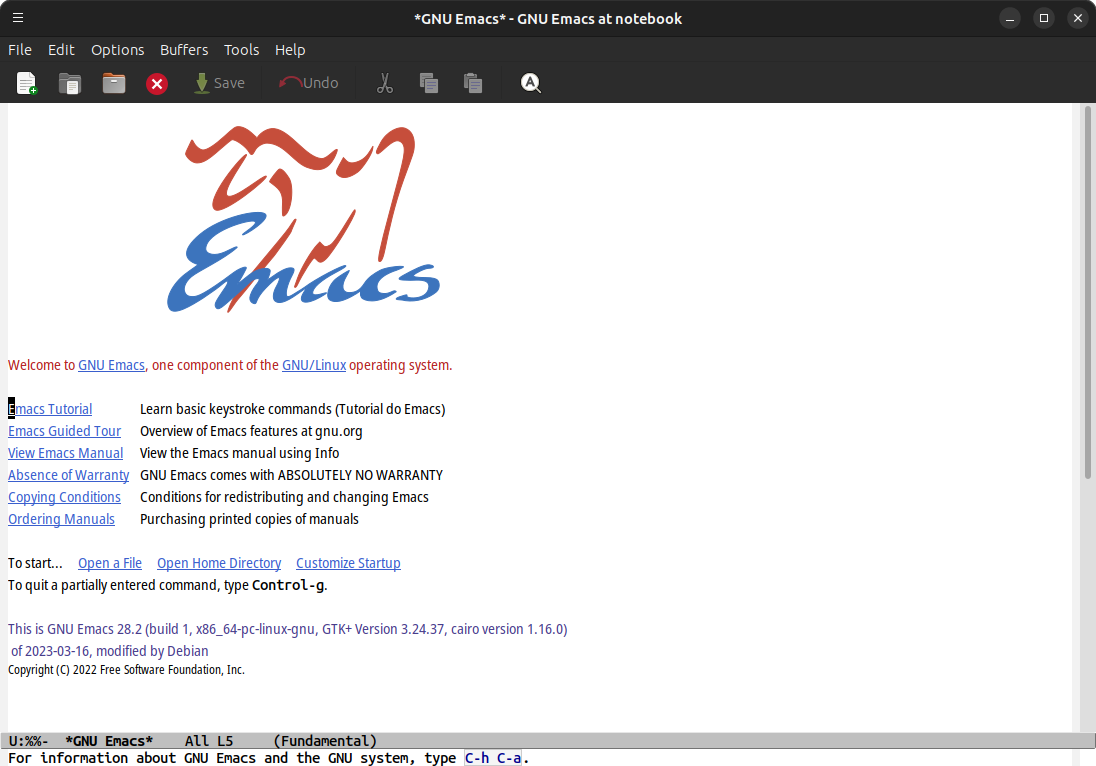
Vanilla Emacs is what you get when you download the software from the GNU website (it's the default Emacs but we call it Vanilla Emacs).
The journey of configuring your own Emacs based on Vanilla Emacs may be challenging and time consuming, but it will provide you with a great understanding of your system and control over it. You will choose every single package and tweak its behavior as you see fit; you will end up with a concise configuration that meant to be used by you and only you.
The Keybinding Systems
One of the major differences between the different Emacs configurations and distributions is the keybinding system used. There are so many keybinding packages available in Emacs but I will highlight three popular options.
Evil Mode (Vim Bindings)
This is probably the most popular, and the most compatible and powerful Vim emulation available not only in Emacs, but in all software. This package powers both Spacemacs and Doom Emacs. The excellent powerful Vim emulation offered in these two distributions is simply because they install evil-mode. There is another package that's usually associated with evil-mode which is evil-collection; it adds Vim like keybindings to almost all special modes like Dired and others.
If you don't know about
Vim, it uses a modal editing system which has several modes,insert modewhich is the mode used to enter normal characters,normal modewhich makes characters execute commands instead, for example h/j/k/l will be used to move the cursor left, down, up, and right rather than typing the characters.I believe that modal editing systems are very efficient for standard keyboards, they may not be as useful if you use a good ergonomic split keyboard.
Vanilla Bindings (Emacs Bindings)
Standard Emacs keybindings rely on modifier keys (Ctrl and Meta) to execute commands. They are very well integrated into the Emacs ecosystem since all packages are built with the expectation that this is the keybindings system that will be used. Newcomers will find this system much easier than modal editing, but it will be a little hard to keep pressing Ctrl and Meta all the time if you use standard keyboards. Ergonomic split keyboards are highly recommended.
Meow (Middle Ground)
Meow is a very lightweight modal editing system. It behaves similarly to evil-mode but it doesn't emulate Vim keybindings. It's very customizable and its philosophy is to not stray too far from the standard Emacs ecosystem which is a huge plus to me. Unlike evil-mode, meow doesn't introduce a new search-and-replace system, it doesn't overwrite any of the Emacs default keybindings, and it doesn't impact any special mode like Dired by default. Using meow brings you much closer to the Vanilla experience.
My Recommendation
For newcomers to Emacs, I highly recommend starting with Doom Emacs. It offers a polished, out-of-the-box experience that lets you explore the potential of Emacs and at the same time get your tasks completed. Once you're comfortable with the way Emacs works and the different packages you rely on, you will be ready to craft your own Vanilla Emacs configuration easily.
If you're a Vim user or you want to learn the Vim keybindings, evil-mode will provide you with a great experience. If you like modal editing systems and you don't mind learning something other than Vim keybindings, I personally find meow a more interesting option. I still believe everyone should learn Vim keybindings though as they become very useful when using a machine without Emacs. If you have an ergonomic split keyboard, I highly recommend you stick to the standard Vanilla Emacs keybindings as they will make your Emacs experience much easier.
I personally went from Spacemacs to Doom Emacs to Vanilla Emacs. If I could go back in time, I would skip Spacemacs as it didn't teach me much about how Emacs works unlike Doom Emacs which taught me many lessons in that regard. I also went from evil-mode to meow to Emacs keybindings. I am very happy that I tried them all and I find them all very interesting. evil-mode introduced me to Vim keybindings and I can efficiently use Vim now thanks to it. meow showed me another modal editing system that's actually very close to the Emacs experience, I still believe I may use it if I end up with a machine with only a standard keyboard.
Useful Resources